Projects
Immersive films in the works.
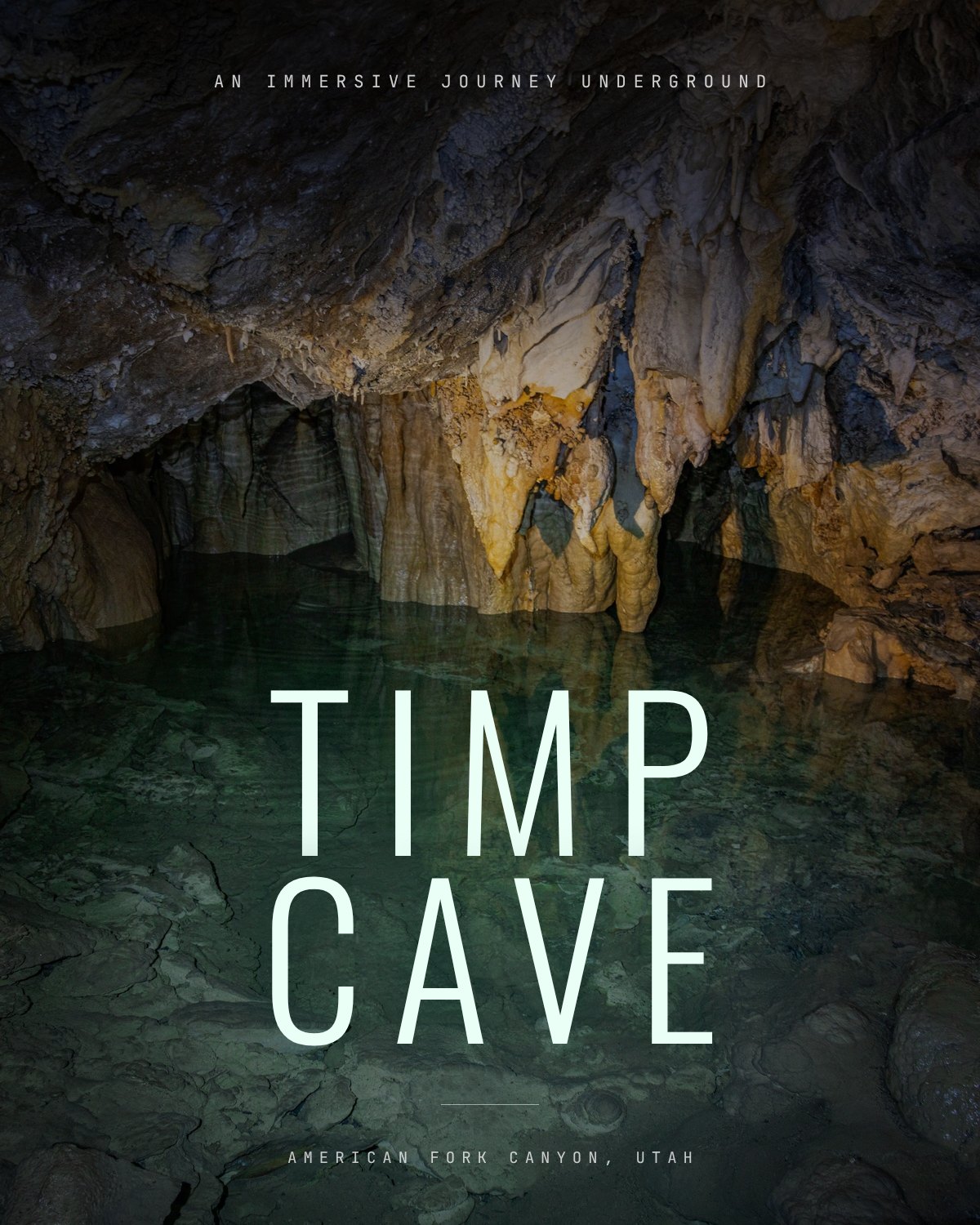 Upcoming
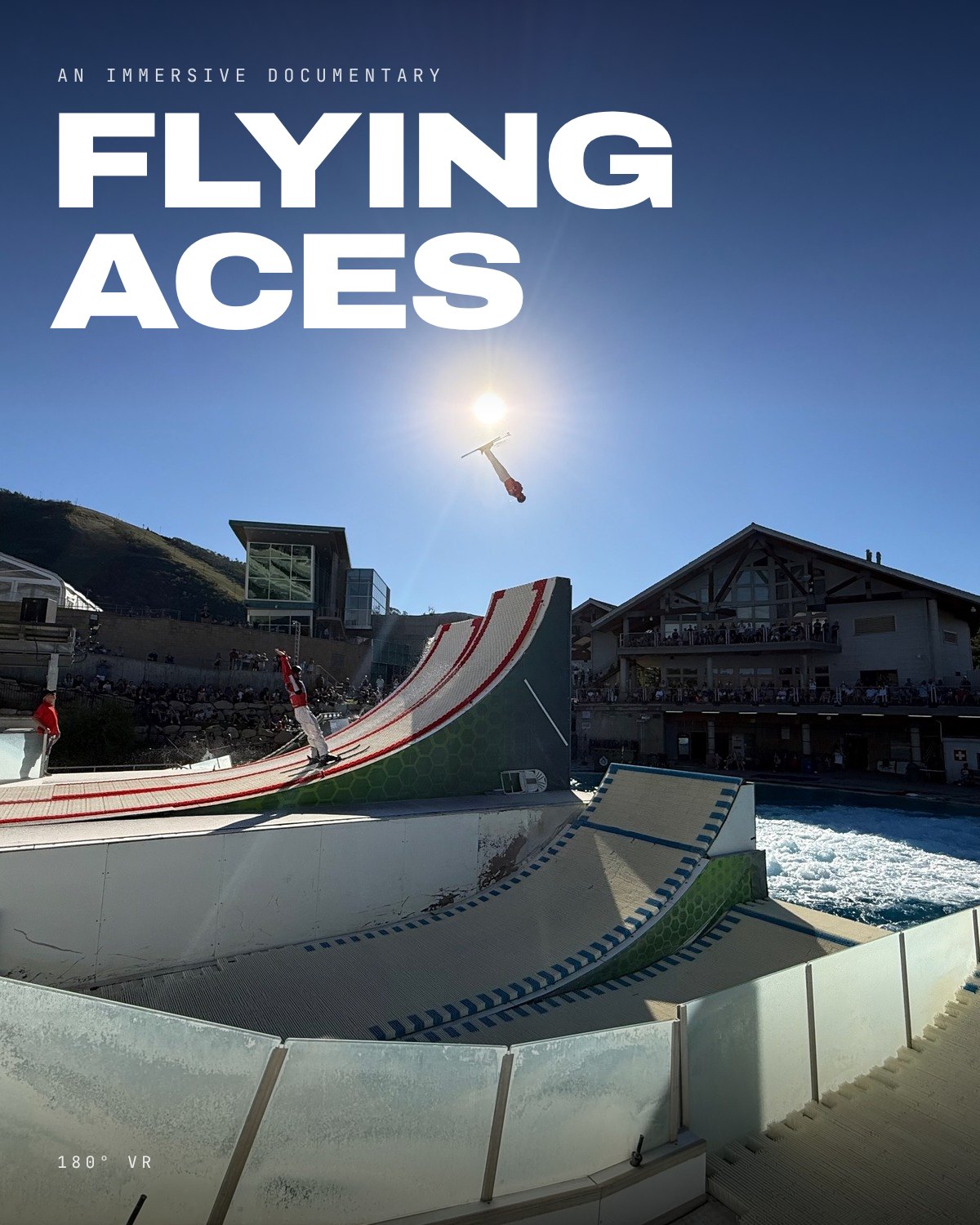 Upcoming
 Upcoming
 Upcoming
 Upcoming
Apple Live Sports
Apple Immersive Video for Apple Vision Pro.
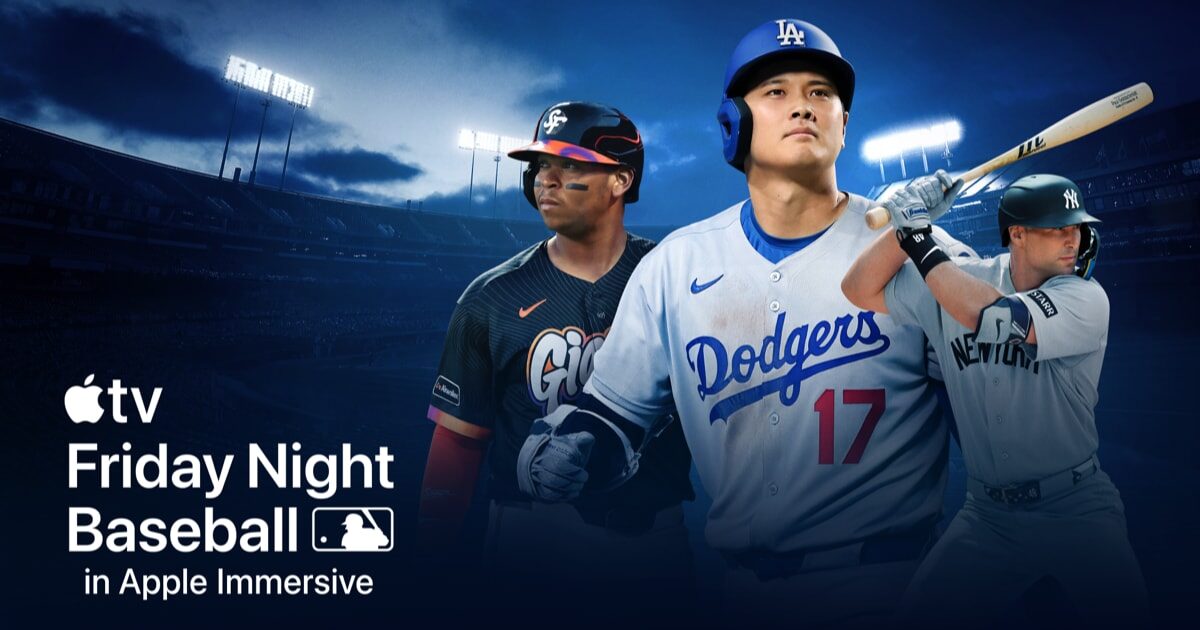
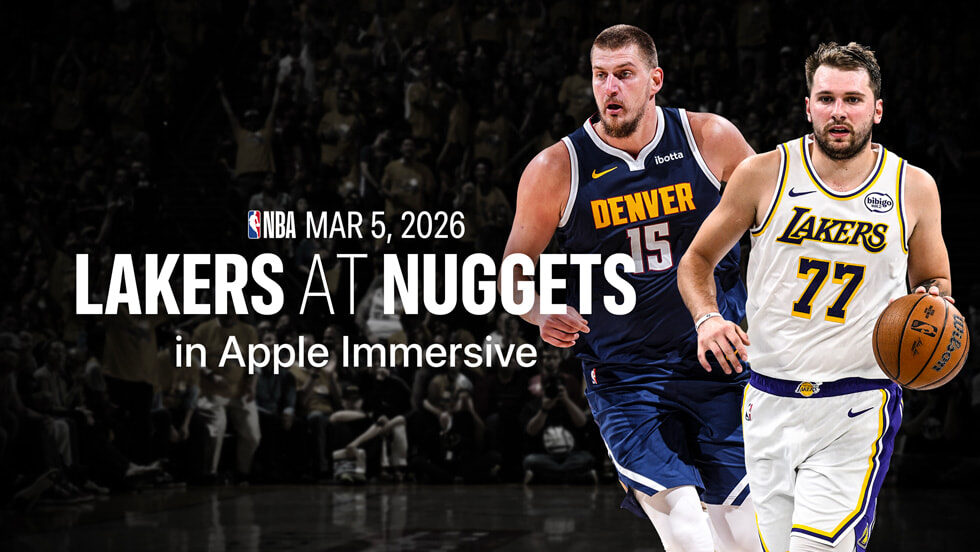
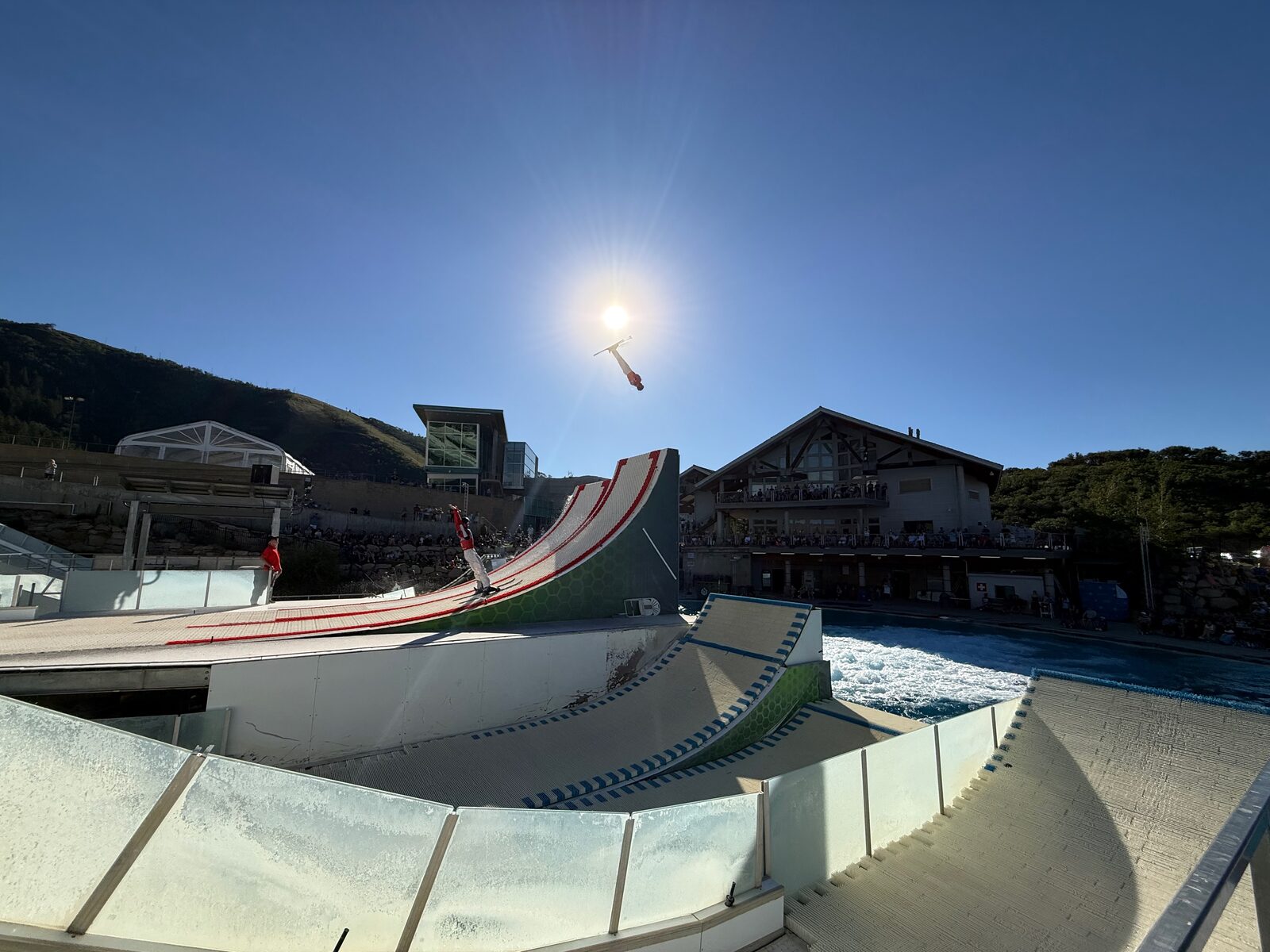
I spent a year at Apple working in immersive filmmaking, cutting 180 degree VR content for Apple Vision Pro across NBA, MLB, and R&D projects.
Camera
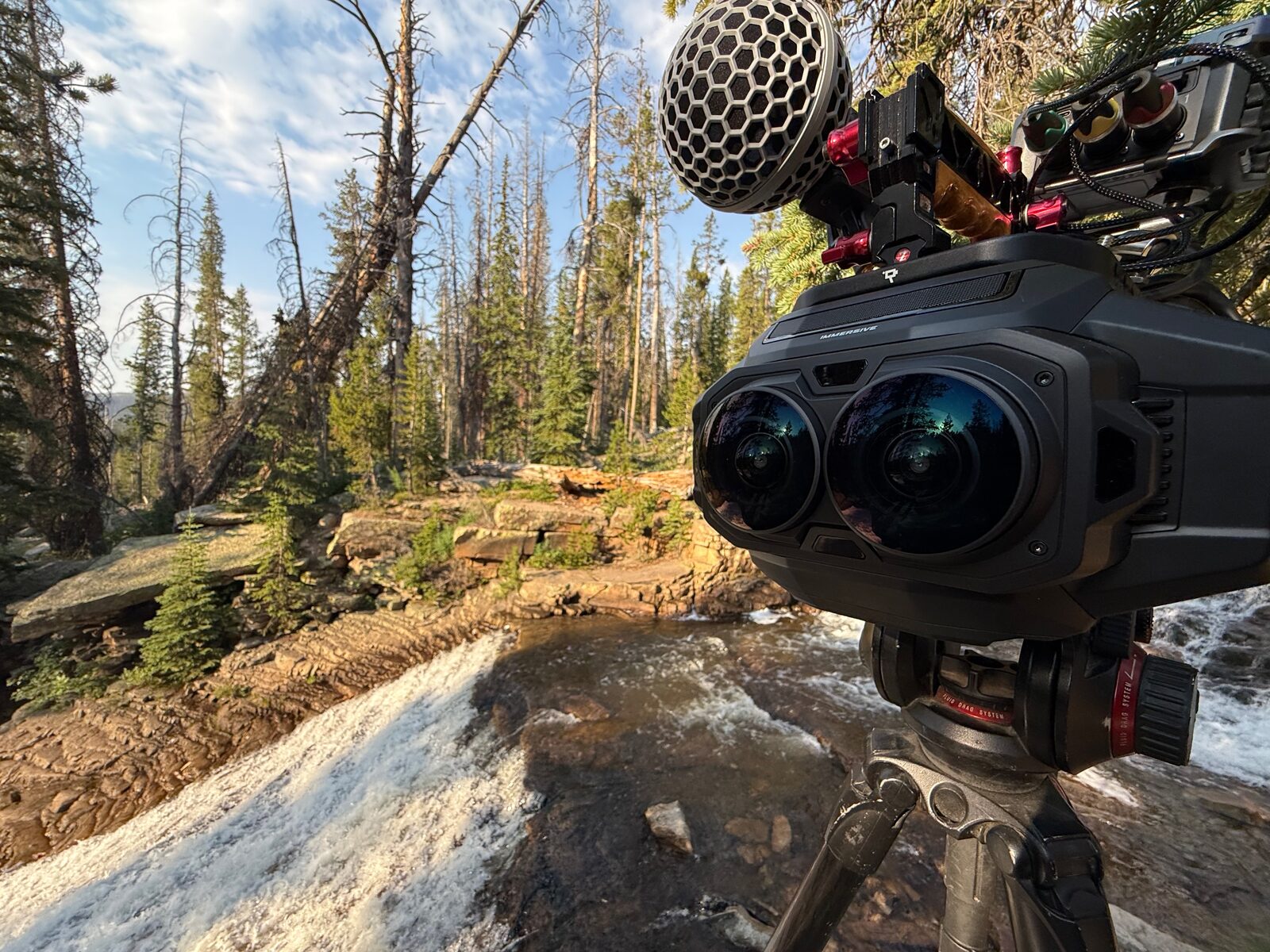
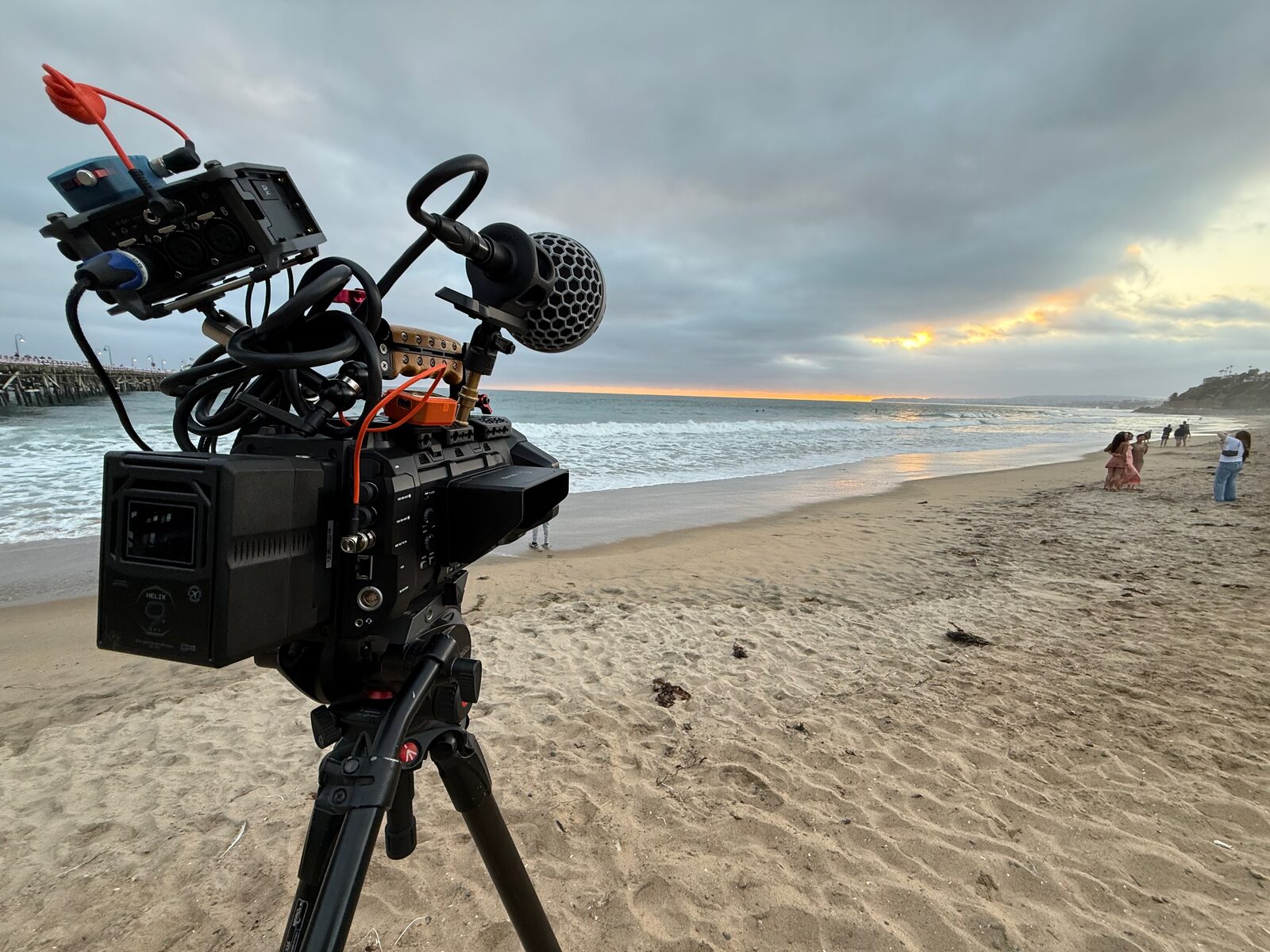
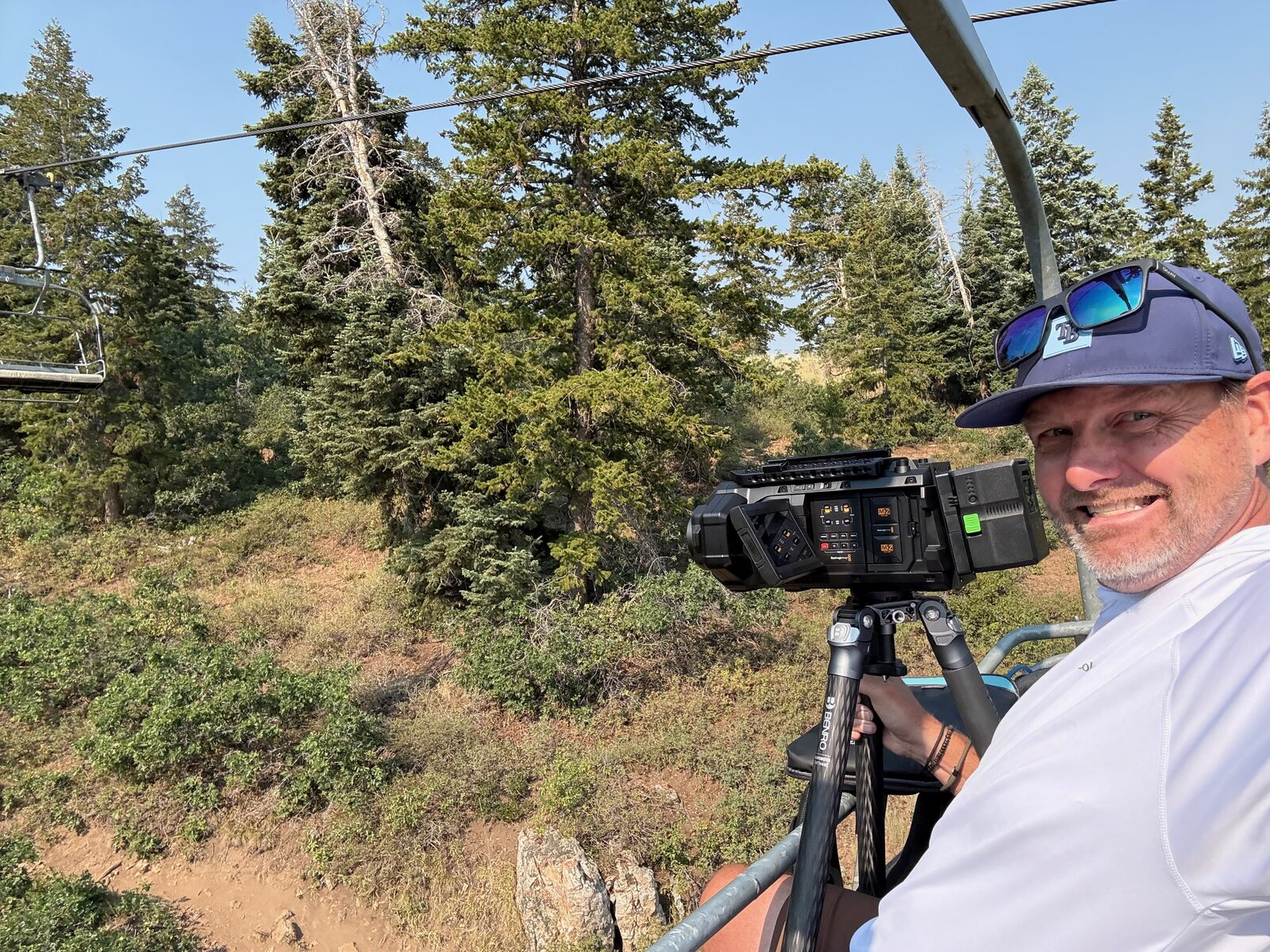
Blackmagic URSA Cine Immersive.
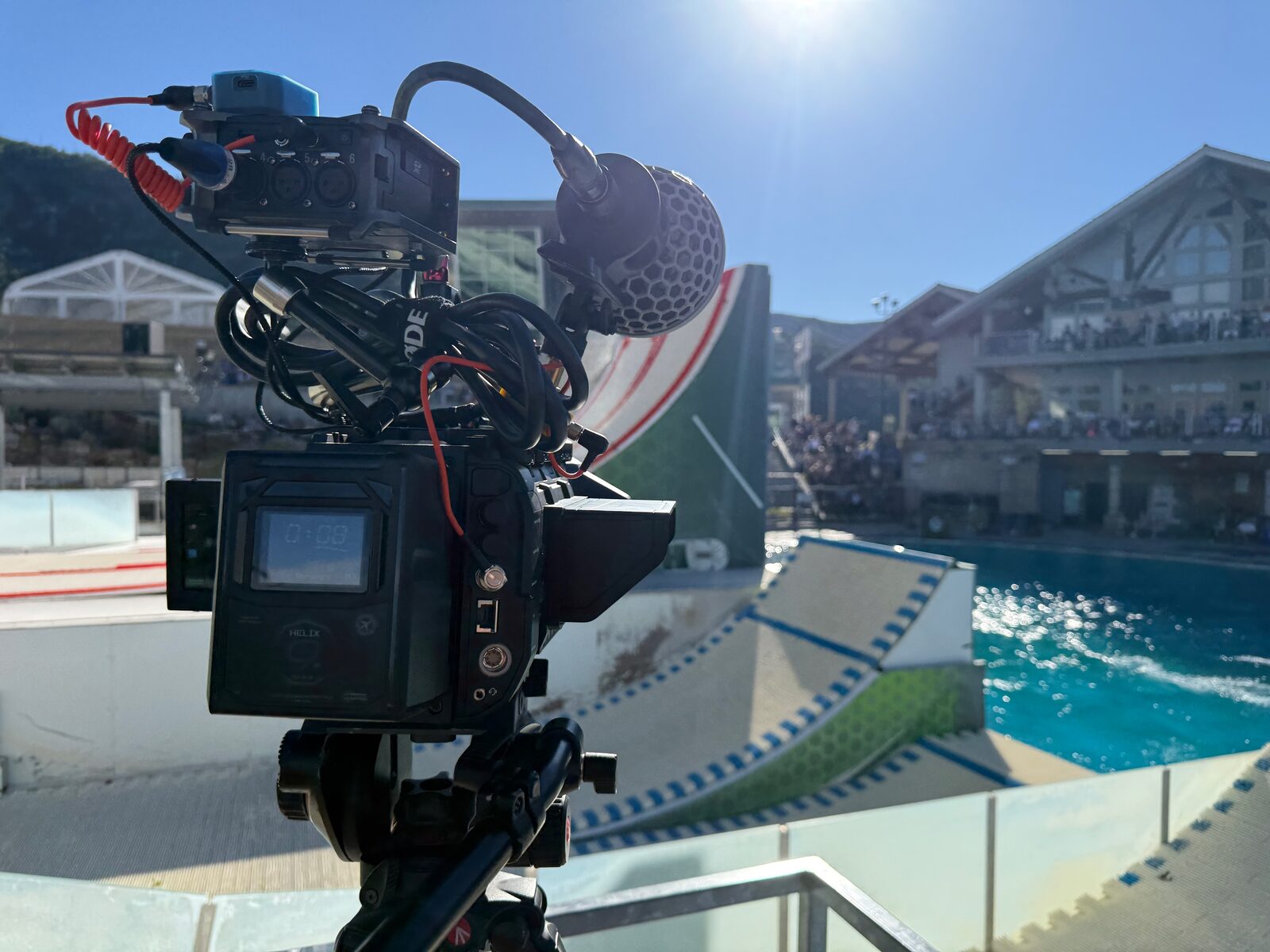
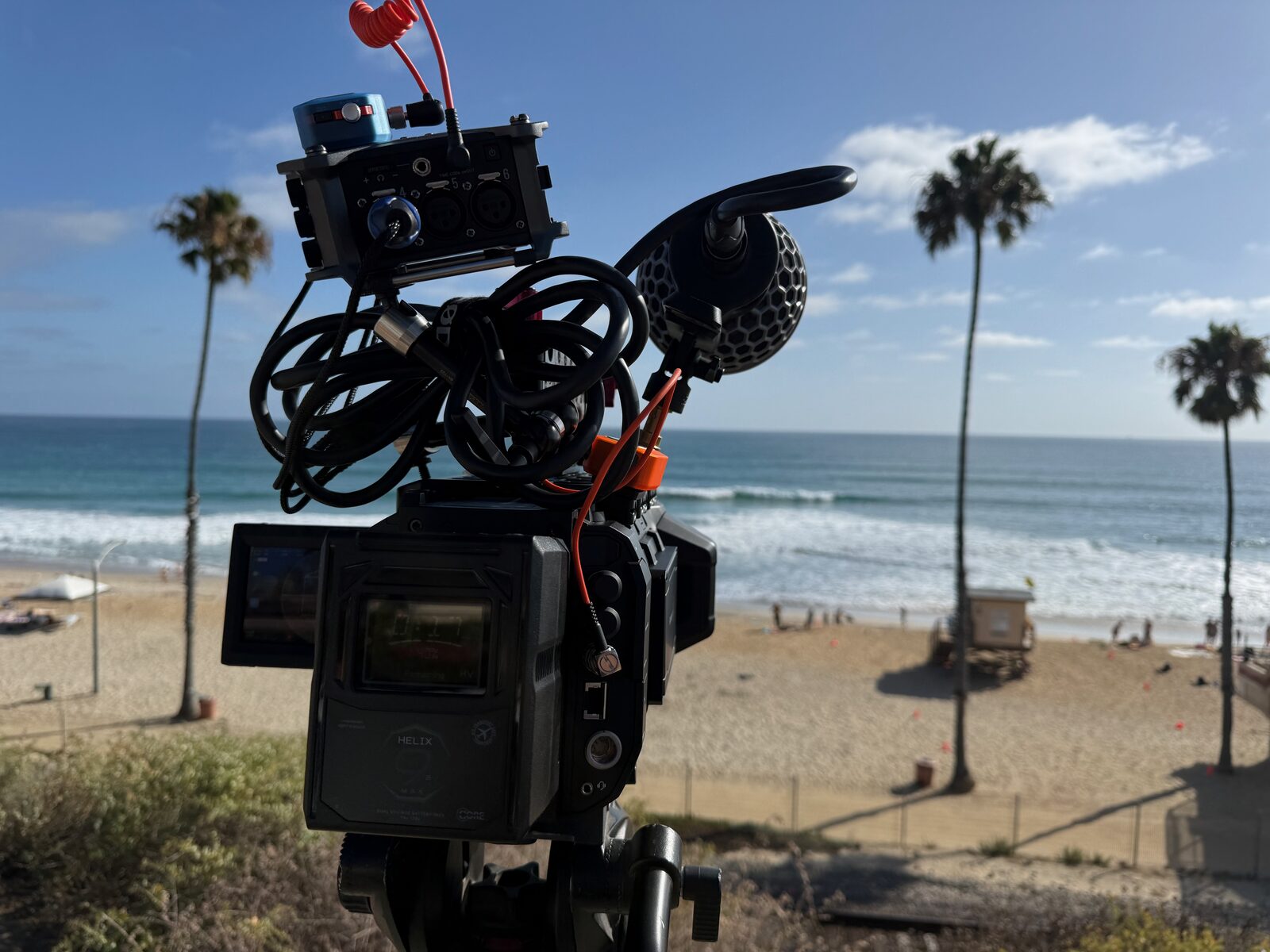
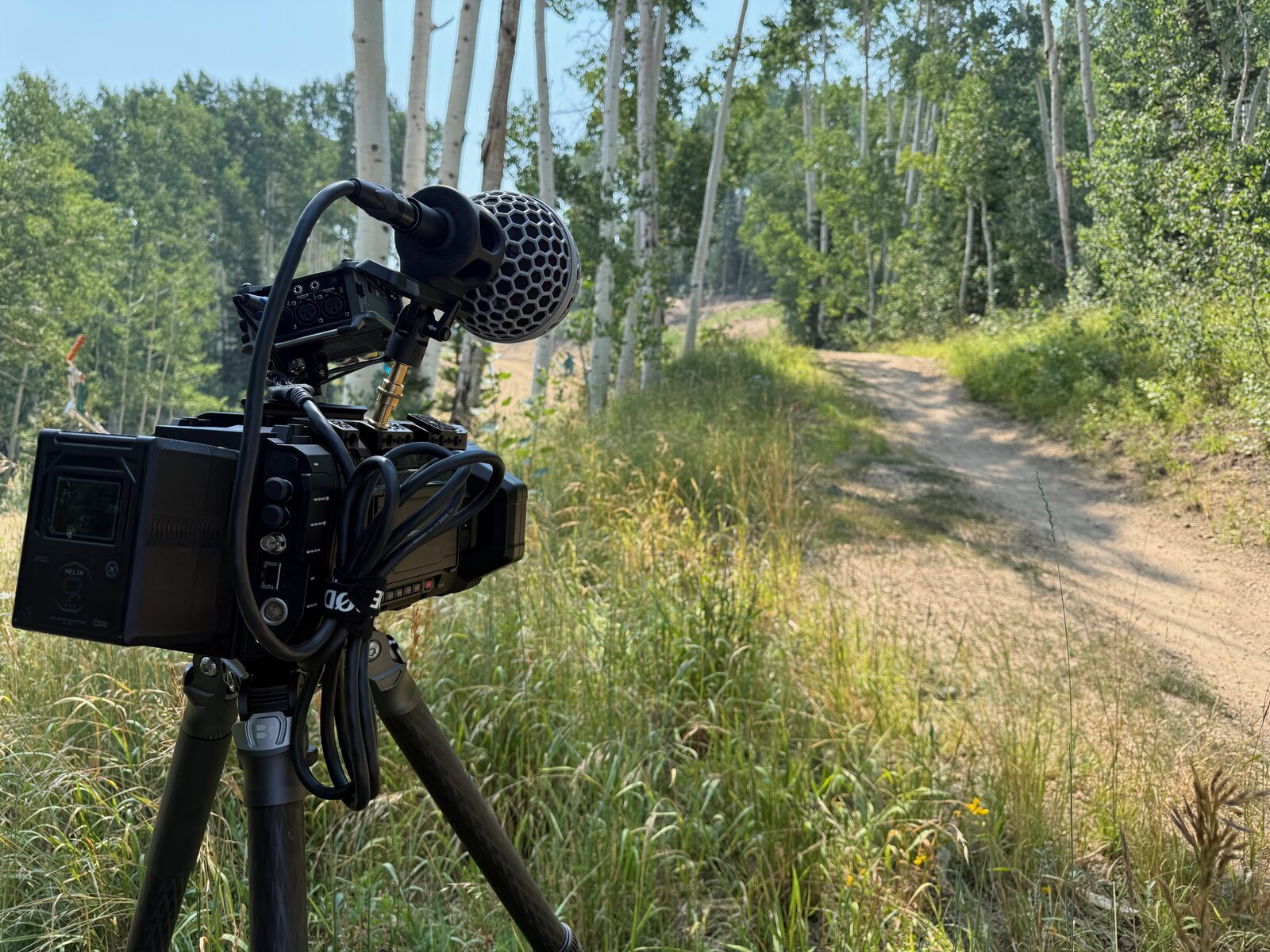
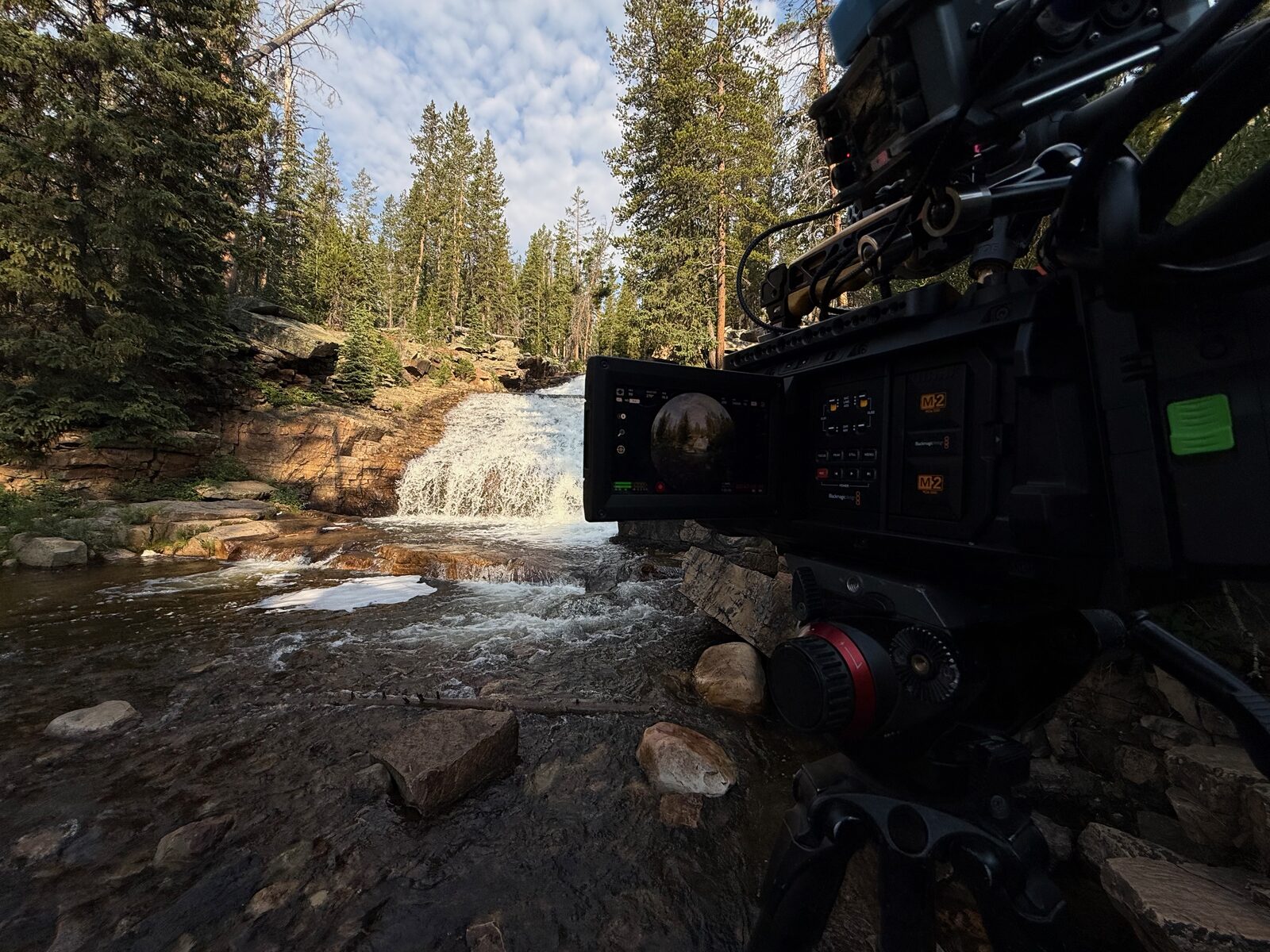
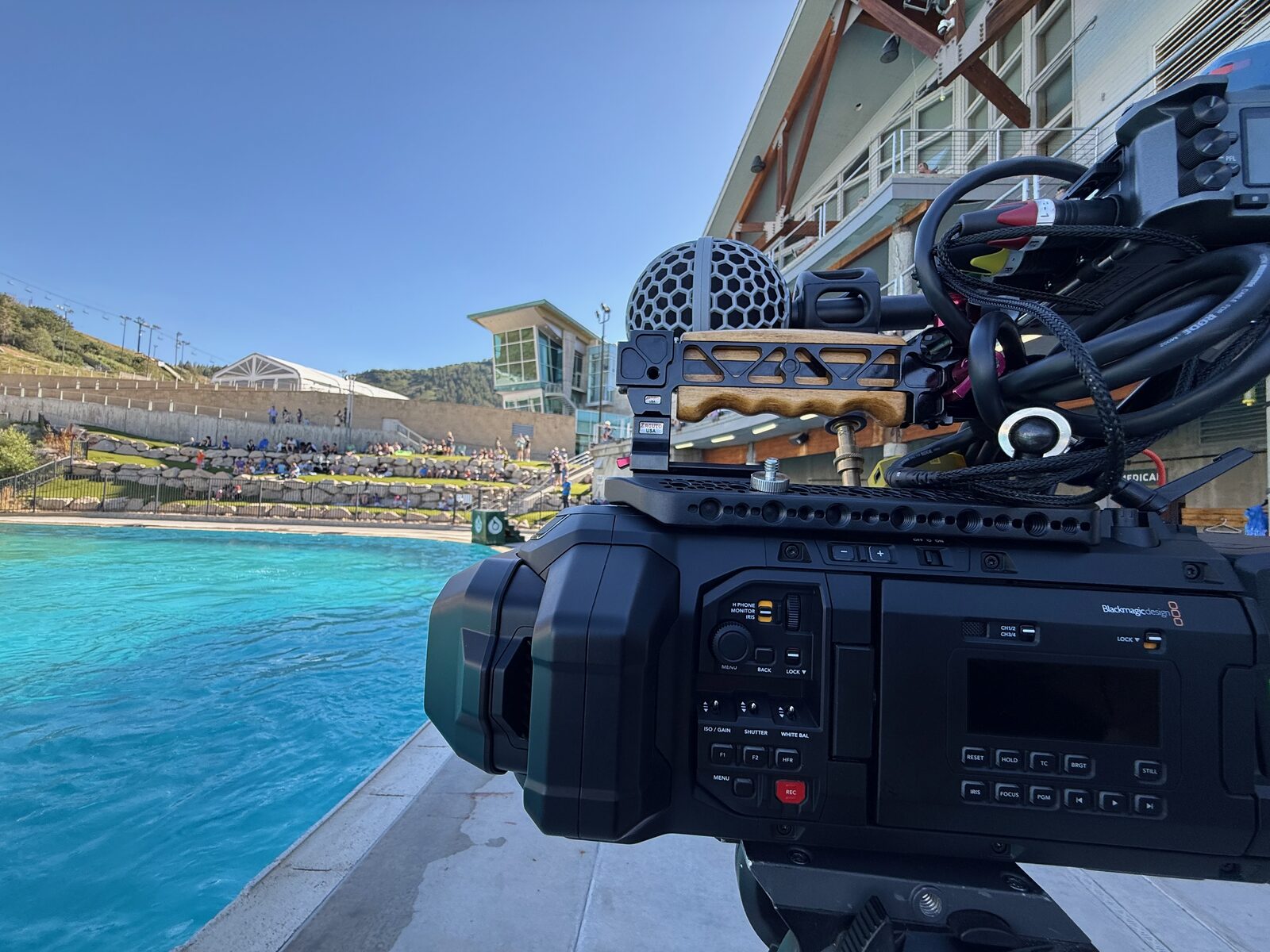
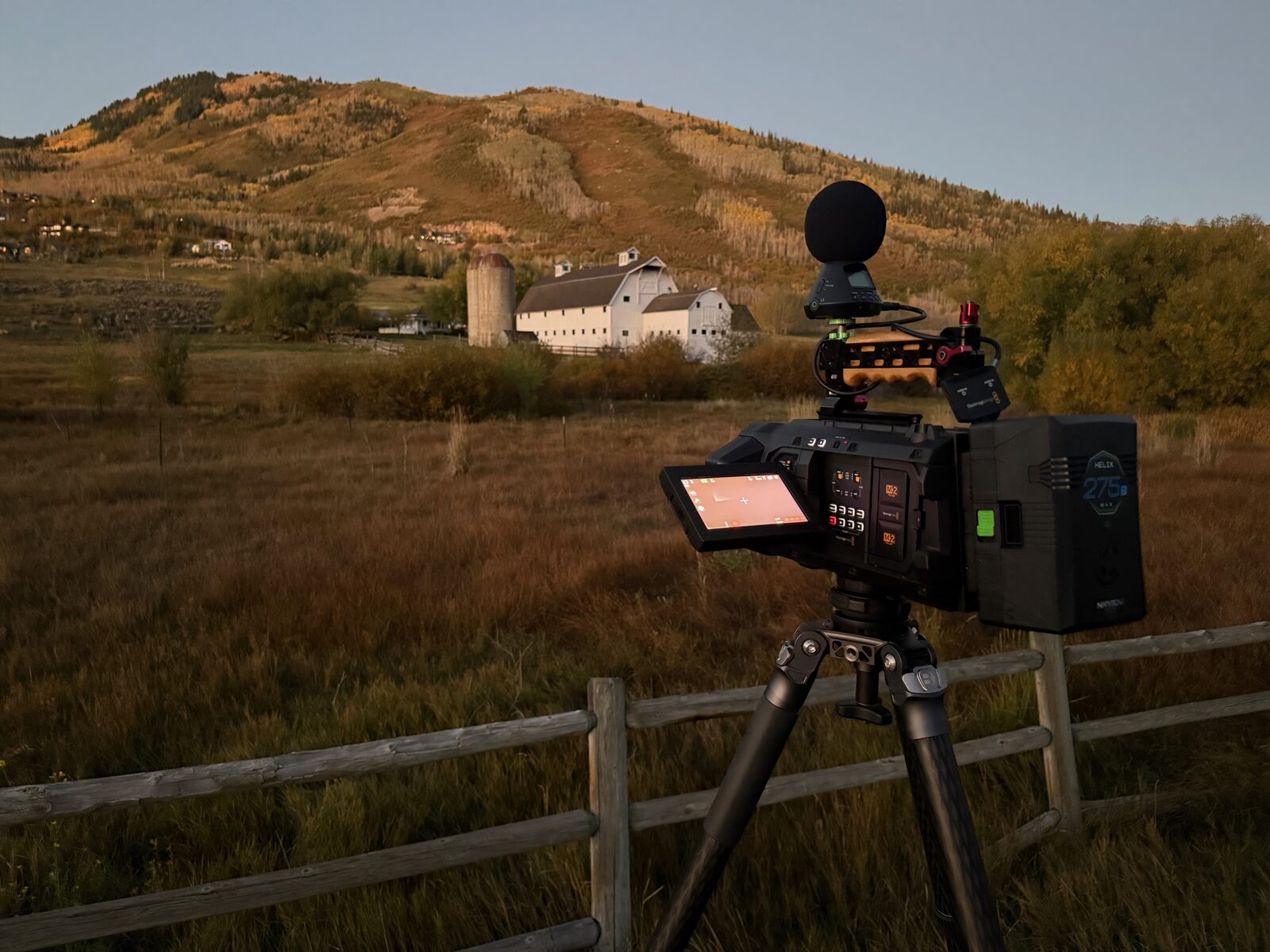
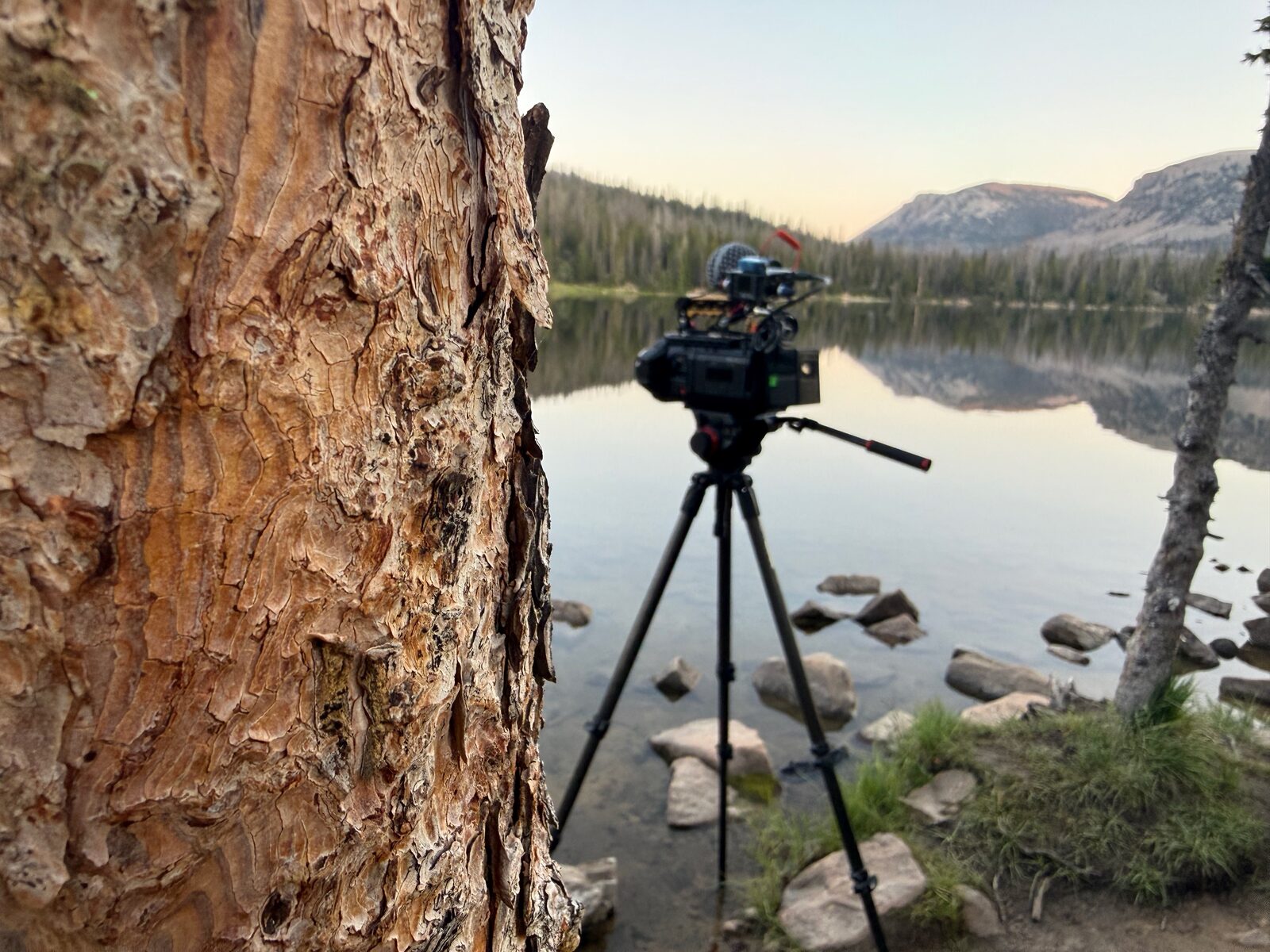
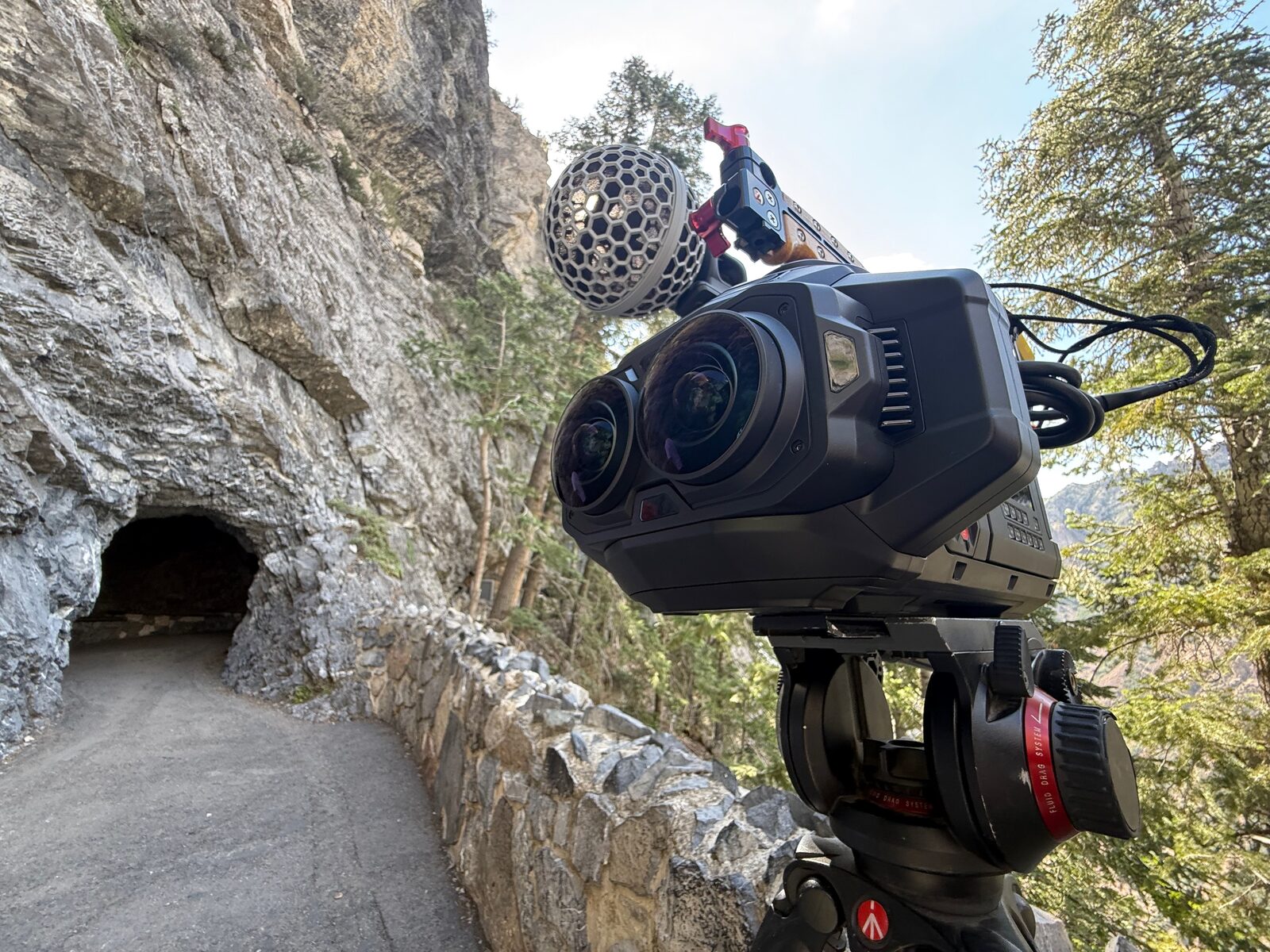
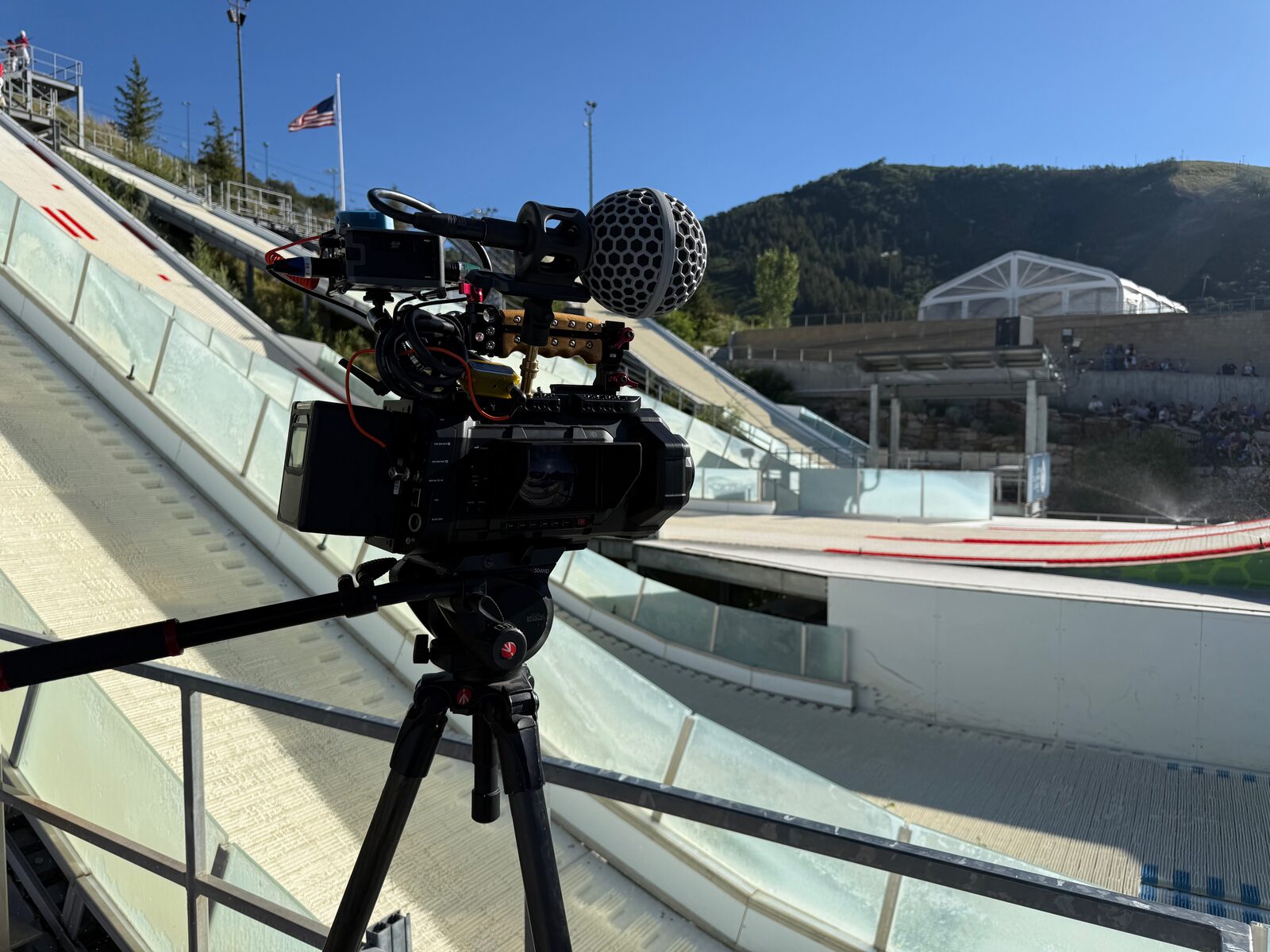
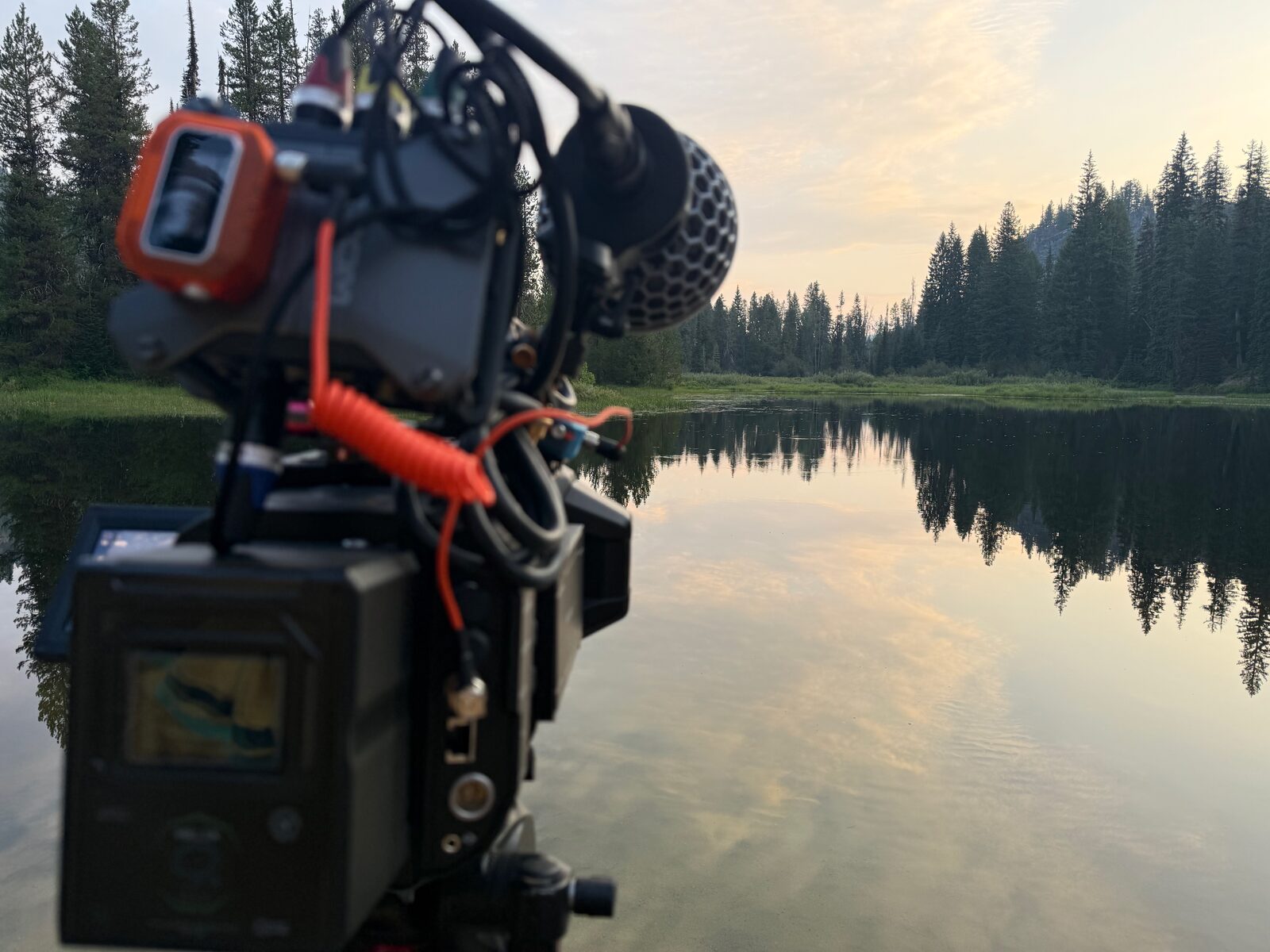
After a year cutting immersive at Apple, I bought my own Blackmagic URSA Cine Immersive so I could shoot it too.
It’s the camera built for Apple Immersive Video: two matched lenses and two sensors capturing a 180-degree stereoscopic image at 90 frames per second. Both eyes record into a single Blackmagic RAW file, along with the lens calibration data the headset needs to project the image correctly.
Owning the camera means I can take a project from the shoot through the final file in the headset, and I know what the edit needs before the first frame is recorded.
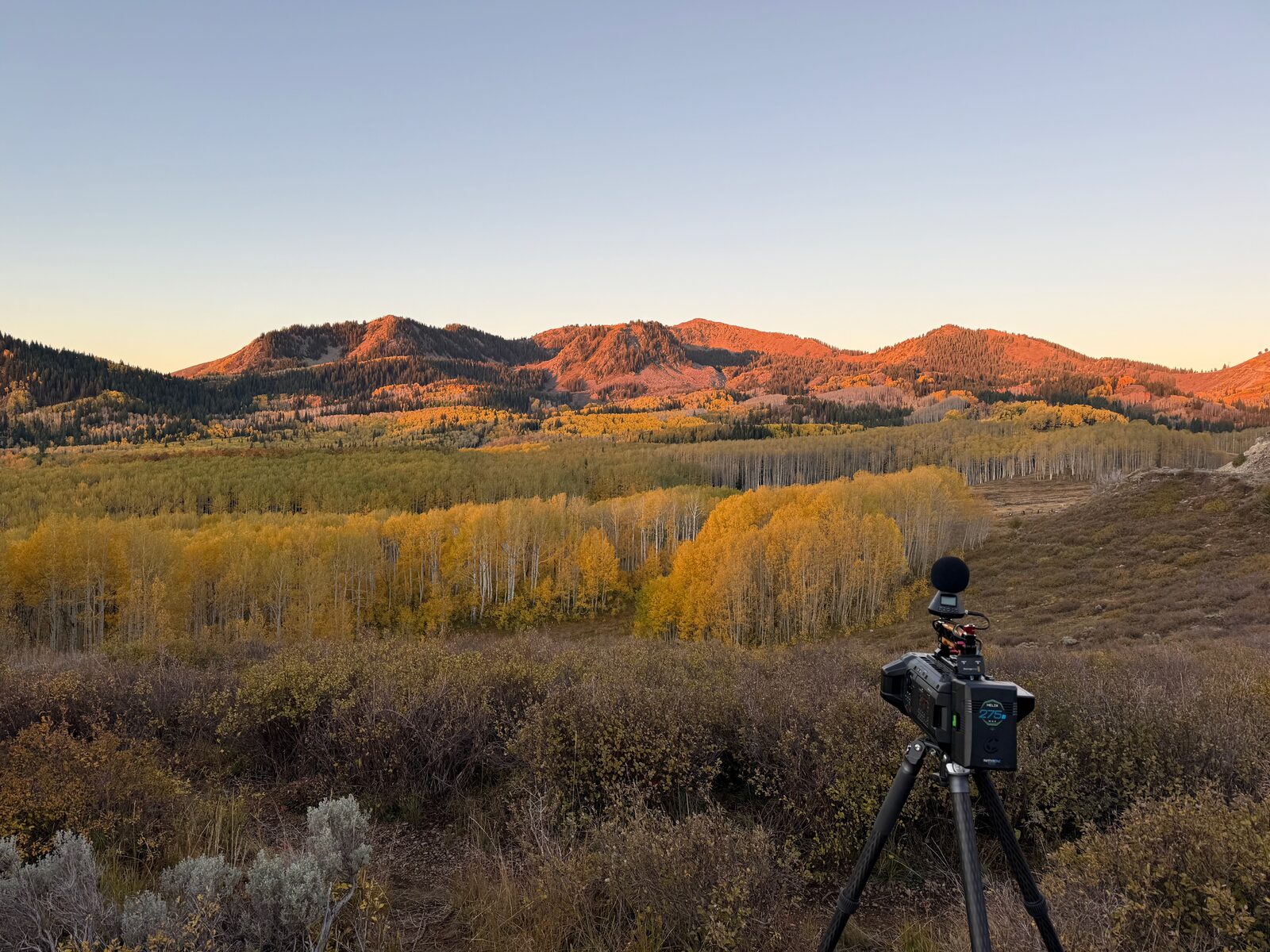
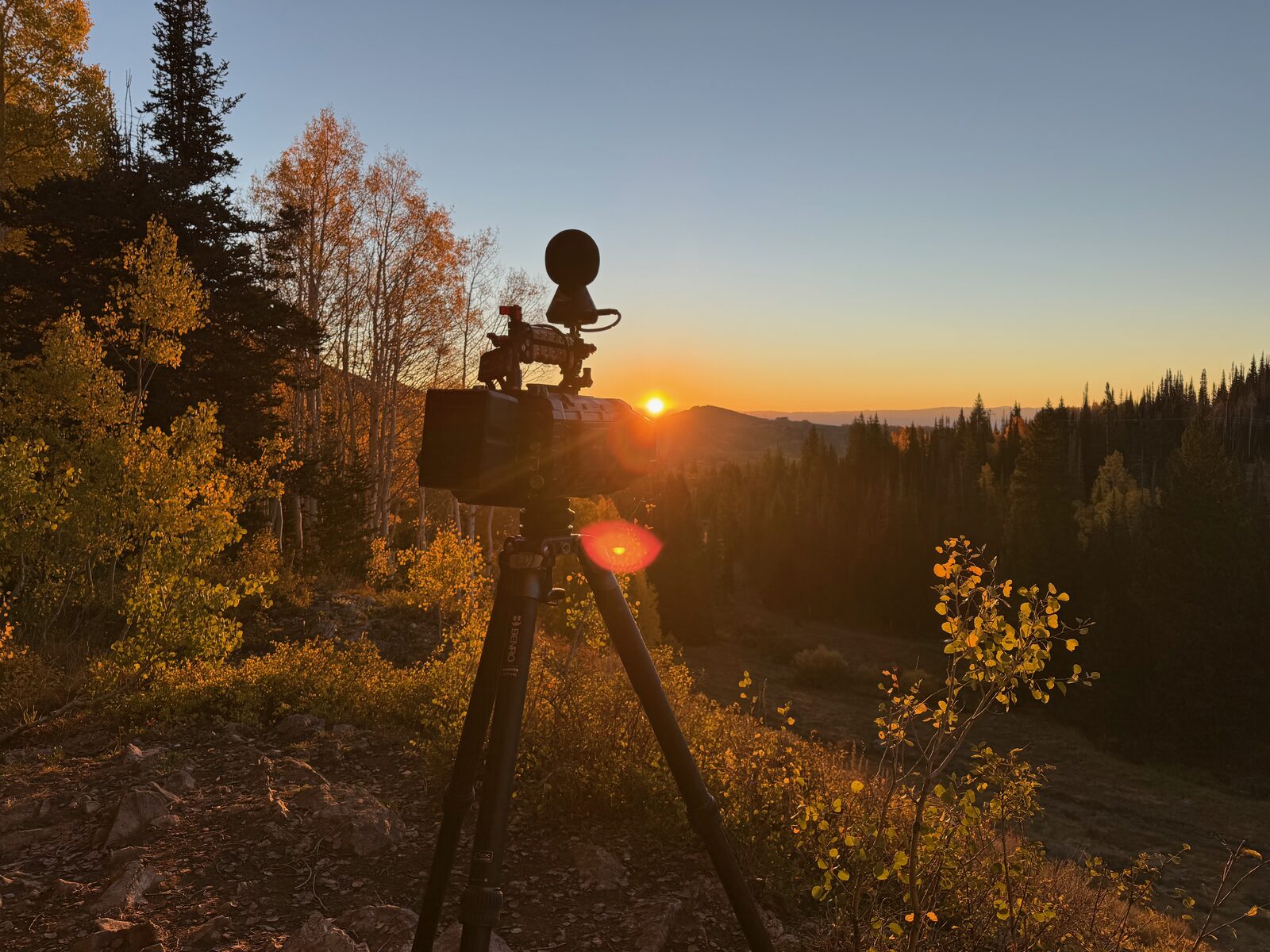
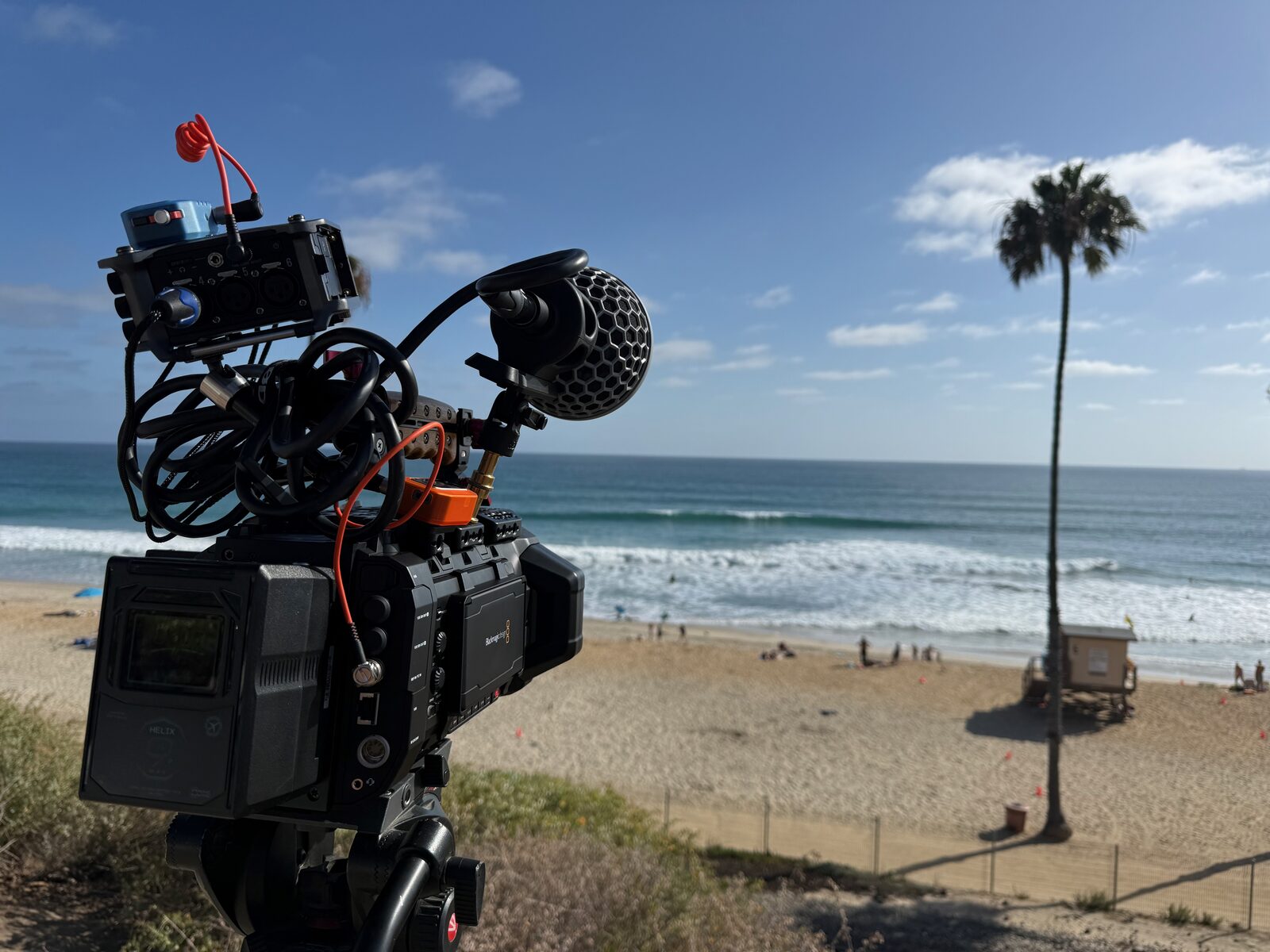
I have the camera, an ambisonic audio setup and all the necessary accessories, ready to go film.
Workflow
From sensor to headset.
Working at Apple, I learned how to take footage from the camera to a rough cut, through denoise and color, to final delivery, making sure all the video was clean and perfect.
I run multiple Mac Studios to handle the workload this workflow takes.
Capture
Shot in 180-degree stereo at 90 frames per second on the URSA Cine Immersive.
Ingest
Footage is offloaded, verified and backed up before any work begins.
Edit
A rough cut is shaped into a final cut, paced for a viewer who can look around.
Denoise
Noise is cleaned up and matched across both eyes.
Color
The grade is balanced for how it reads inside the headset.
Review
Every pass is checked in Apple Vision Pro for comfort and scale.
Deliver
The finished film is exported as a final immersive file.